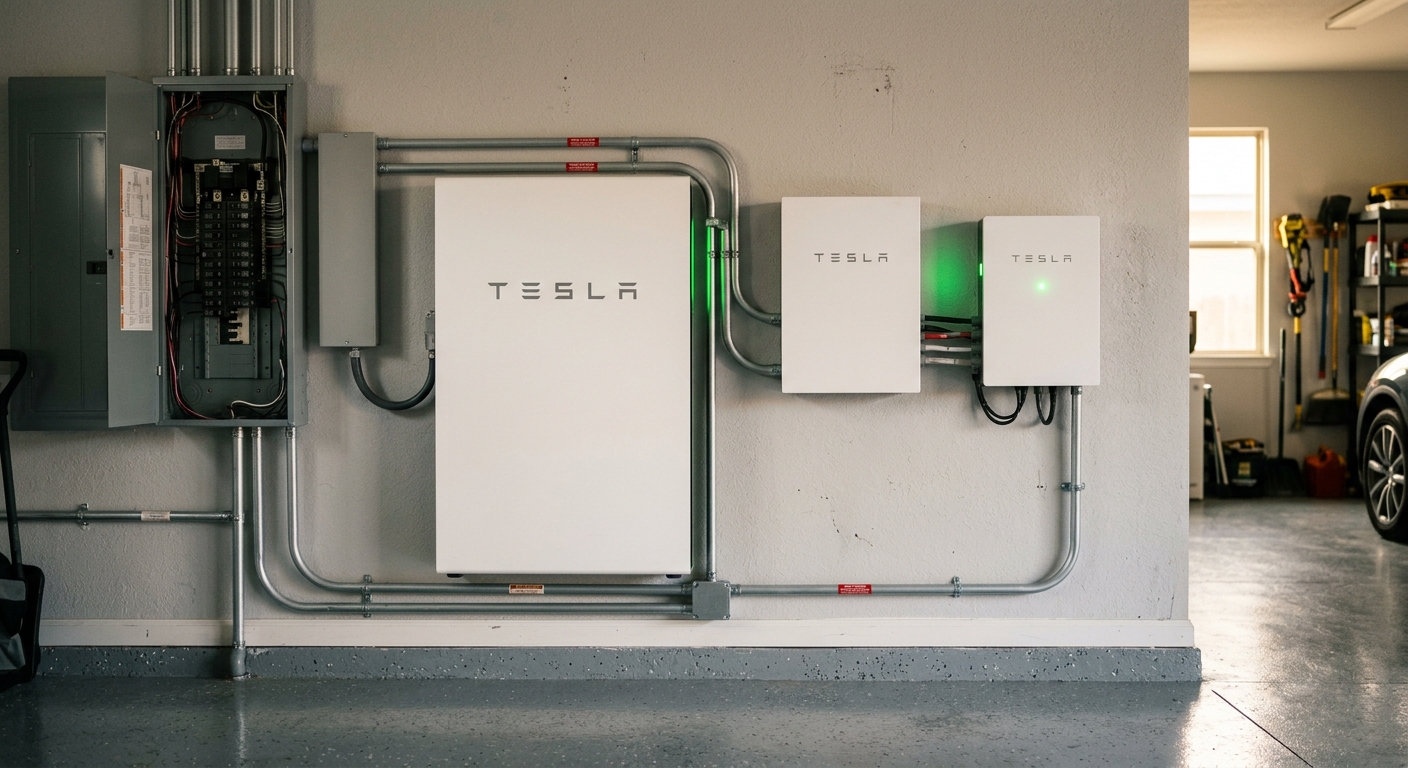
No — not on its own. The Tesla Cybertruck’s Powershare feature is rated for 48 amps, the same ceiling as a Tesla Wall Connector. That’s enough power for lights, a couple of refrigerators, and small loads — not enough for whole-house backup including HVAC, electric range, or full panel coverage. For real whole-house backup, you need to add Tesla Powerwall units to the system. The Cybertruck then becomes a way to recharge the Powerwalls during extended outages, but the Powerwalls do the actual whole-house backup work. Setup requires Tesla Wall Connector + Tesla Gateway + Powerwall(s).
When Tesla launched the Cybertruck’s Powershare feature, the marketing made it sound like the truck could just back up an entire home during a power outage. Plug in, flip a switch, you’re a self-contained energy island. The real-world version is more nuanced — and we’ve now done enough Cybertruck Powershare installs in Northern Colorado to give the honest answer that Tesla’s marketing doesn’t always make clear.
Spoiler: the Cybertruck CAN back up part of your house, just not the whole thing. Here’s exactly what 48 amps gets you, what we recommend for whole-house backup, and a real customer story from the Front Range.
What is Tesla Powershare?
Powershare is Tesla’s bidirectional charging system. It lets compatible Tesla vehicles (currently the Cybertruck, with more vehicles to follow) feed power back into your home through the same charging connection that normally fills the battery. When the grid goes down, Powershare reverses the flow: instead of the house charging the truck, the truck powers the house.
It’s a real feature, it works, and it’s a legitimate backup option. But the technical limit is real.
The 48-amp ceiling
The Tesla Wall Connector — the EV charger you already need to use Powershare — is rated for 48 amps maximum on a hardwired install. That’s the ceiling for power flowing in either direction. When the truck charges, it pulls up to 48A from the house. When the truck powers the house, it pushes up to 48A back through the same connection.
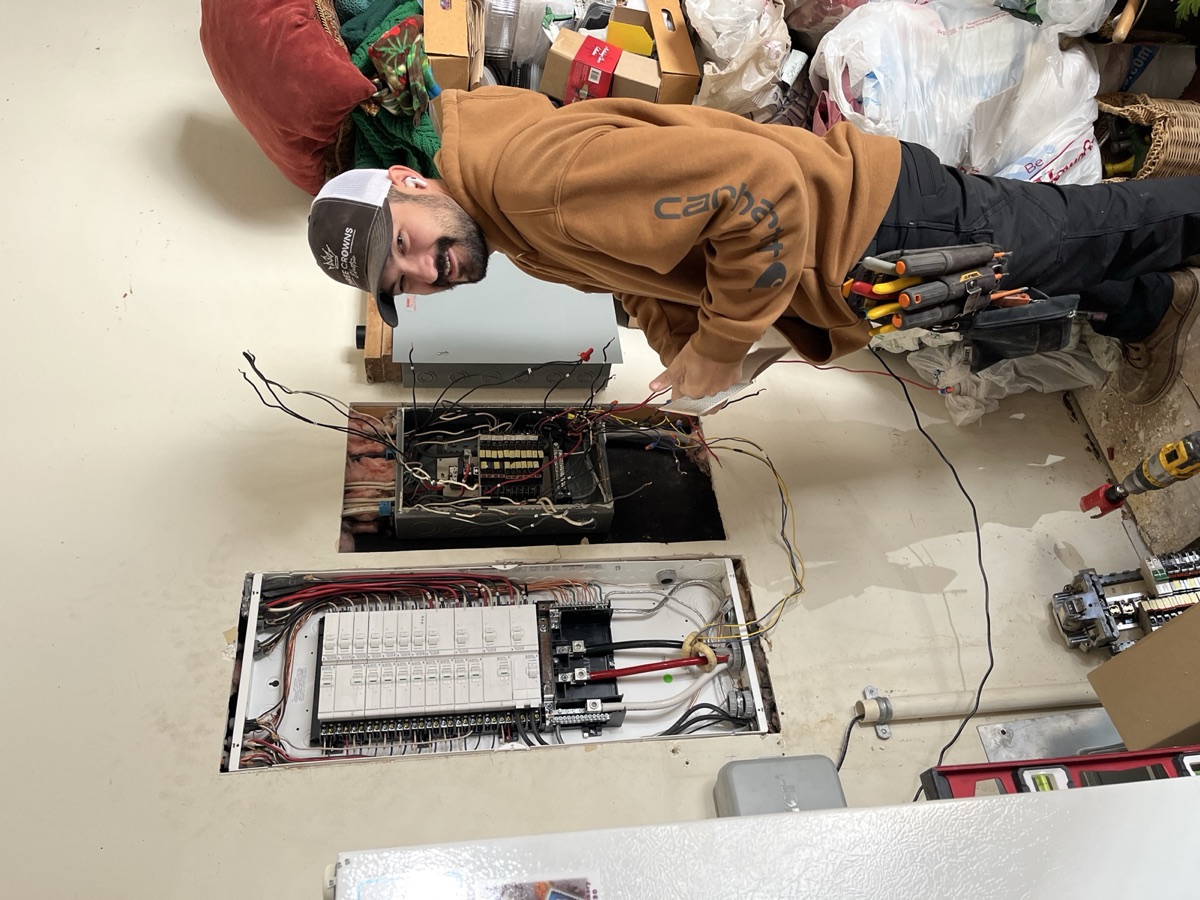
“Yeah, we recently just had a customer who wanted to use his — he’s got a Cyber truck and he wanted to back up power through his Cyber truck. And just he, in his mind he thought he could back the whole entire house up. Well, your charger, same thing, it’s only rated for 48amps. So you’re going to be able to run 48amps back from your Tesla truck back to your house. So 48amps isn’t getting you a whole lot of backup power other than running your lights, couple refrigerators, and then you’re going to be meeting that 48amps need.”
— Jon Trujillo, Master Electrician
The math: 48 amps at 240V is roughly 11.5 kW of continuous output. Compare that to typical home loads:
| Appliance / system | Typical draw |
|---|---|
| LED lighting (whole house) | 0.3-0.6 kW |
| Refrigerator | 0.6-1.2 kW |
| Stand-alone freezer | 0.5-0.8 kW |
| Modem + WiFi router | 0.05 kW |
| Furnace fan (gas furnace) | 0.5-0.8 kW |
| Microwave (running) | 1.2-1.8 kW |
| Toaster oven / coffee maker | 1.2-1.8 kW |
| Subtotal essentials | ~5-7 kW |
| Central AC (3-ton, running) | 4-6 kW |
| Electric water heater | 4.5 kW |
| Electric range (one burner) | 1.2-2.4 kW |
| Electric range (whole oven heating) | 5-8 kW |
| Heat pump (heating mode) | 5-9 kW |
| Electric dryer | 5-6 kW |
| One major load + essentials | ~10-13 kW ← at the 48A ceiling |
In other words: the Cybertruck on Powershare can comfortably run essentials (lights, fridges, furnace fan, modem, small kitchen appliances) and one moderate load at a time. It cannot run essentials AND central AC AND electric range simultaneously. If your house has all-electric appliances or a heat pump, the math doesn’t work for whole-house backup.
What did we do for the Cybertruck customer?
“So what we ended up doing was installing a couple Powerwalls on his home as well. So then he could get, he could actually back up the entire house with power. With the Powerwalls installed.”
— Jon Trujillo, Master Electrician
We added two Tesla Powerwalls to his home. Total system became:
- Tesla Wall Connector (the existing EV charger)
- Tesla Gateway (the brain that handles grid disconnect, power routing, and Powershare integration)
- 2× Tesla Powerwall 3 (the actual battery storage for whole-house backup)
- Cybertruck (acts as supplemental capacity — can recharge the Powerwalls during extended outages)
That setup gives him:
- Whole-house backup for ~3 days on the Powerwalls alone
- Extended runtime when paired with Cybertruck Powershare for recharging
- Solar integration ready if he adds rooftop solar later
- No engine maintenance (vs a generator)
The total system was significantly more expensive than just the Cybertruck — but it actually does what the customer originally thought Powershare alone would do.
What does Powershare actually back up by itself?
If you’re using only the Cybertruck (no Powerwalls), here’s the realistic backup profile:
Yes, comfortably:
- Whole-home LED lighting
- 2-3 refrigerators / freezers
- Modem, WiFi router, small networking gear
- Furnace fan (gas furnace running)
- Garage door opener, security cameras
- Charging laptops, phones, small electronics
- Small kitchen appliances one at a time (microwave, coffee maker, toaster)
- TVs and entertainment systems
Maybe, depending on circumstance:
- Window AC unit (single room)
- Electric water heater (if cycled, not constant)
- Electric oven (briefly, not extended cooking)
- One small electric heater (1500W)
No, not really:
- Central AC system
- Heat pump (especially in cold weather)
- Electric range / induction cooktop sustained
- Whole-house electric heat
- EV charging while powering the house
- Electric dryer
- Hot tub heater
The honest framing: Powershare alone is a real backup option for partial-home backup of essentials. It’s NOT a whole-house standby generator replacement.
Powershare alone vs Powershare + Powerwall vs whole-home generator
For Northern Colorado homeowners weighing options:
| Setup | Whole-house backup? | Runtime | Approximate cost |
|---|---|---|---|
| Cybertruck Powershare only | Partial (essentials) | Until truck depletes (~12-24 hrs) | $1,800-$3,000 (Wall Connector + Gateway) |
| Cybertruck + 1 Powerwall | Most of house | ~3 days | $14,000-$18,000 added |
| Cybertruck + 2 Powerwalls | Whole house | ~5-6 days | $24,000-$30,000 added |
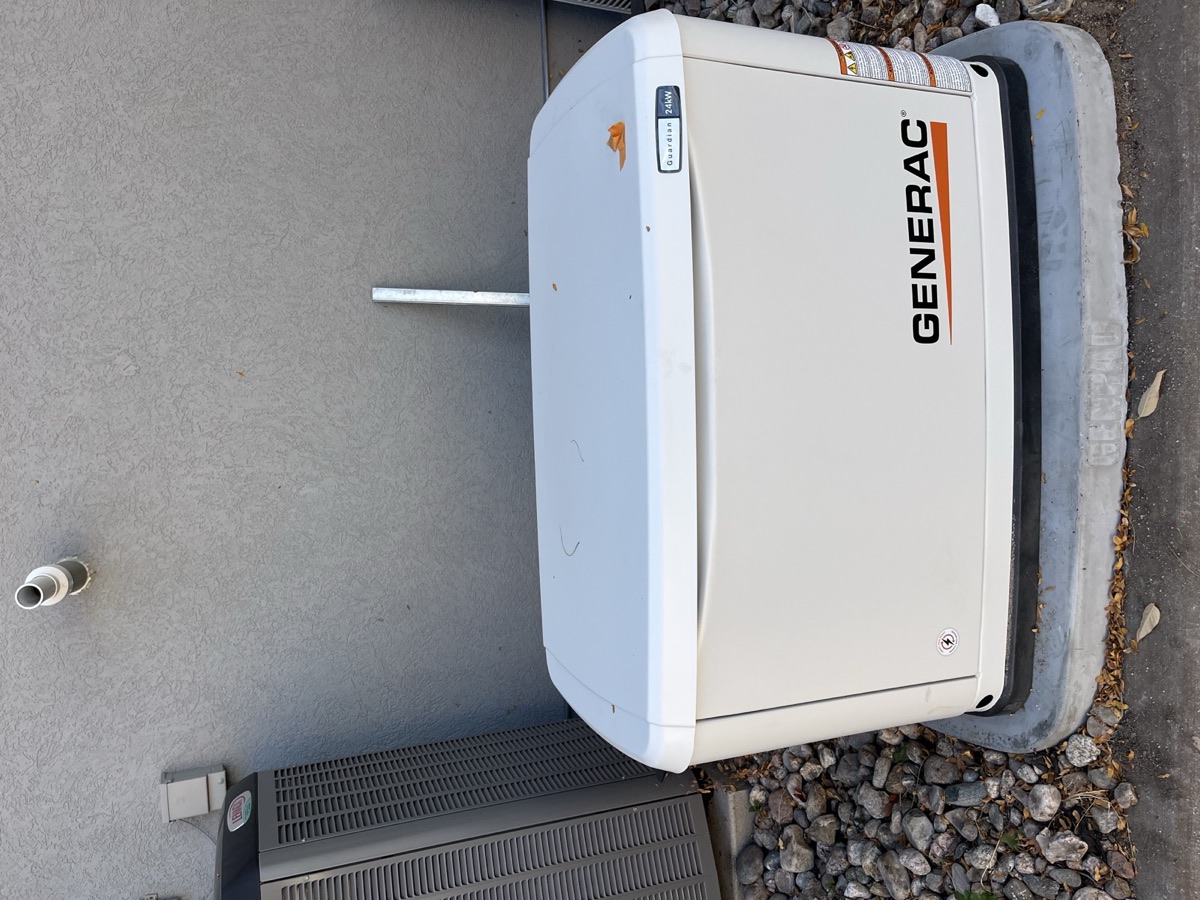
| Whole-home Generac generator | Whole house | Indefinite (natural gas) | $14,000 typical |
| Generac + Powerwall stack | Whole house, silent default | Indefinite | $30,000-$45,000 combined |
The right answer depends on your outage profile. For most NoCo homeowners who lose power for less than 3 days, the Powerwall stack works. For homeowners in Estes Park or rural farmhouses where multi-day winter outages are common, a generator is still the answer. We install both.
For the full breakdown of when generators win vs Powerwalls, see our Powerwall vs generator guide. For Powerwall installation specifics, see our Tesla Powerwall page.
What hardware is required for Powershare to work?
Tesla doesn’t make this clear in the marketing — Powershare requires three specific pieces:
- Tesla Wall Connector — the EV charger itself. Must be the third-generation Wall Connector with bidirectional capability (older Wall Connectors don’t support Powershare).
- Tesla Gateway — a separate piece of equipment that handles the grid disconnect during an outage. This is what isolates your home from the utility grid so the truck doesn’t try to back-feed power into the neighborhood. Required for any backup function.
- Compatible vehicle — currently the Cybertruck. Future Tesla vehicles (and the upcoming Tesla Optimus, Robotaxi, etc.) will likely support Powershare too.
Optional but recommended: 4. Tesla Powerwall(s) — for whole-house backup with longer runtime. The truck alone is partial backup; adding Powerwalls makes it whole-house backup.
“You could install Tesla wall connector, which is the EV charger itself, and then you have to install another piece of equipment, which is the gateway, and then that allows you to use your vehicle. So if you lose power in the home, you can plug your vehicle in and your vehicle will actually provide power, backup power for the house.”
— Jon Trujillo, Master Electrician
If you’re considering Powershare, factor in the Gateway cost (~$1,200-$1,800 installed) on top of the Wall Connector. The Powerwall is the bigger expense if you go that route.
Do you have to be a Tesla customer for this to make sense?
Mostly yes, today. Powershare is a Tesla-only feature right now, and the equipment chain (Wall Connector + Gateway + Powerwall) only works as an integrated system.
That said, Ford F-150 Lightning, Chevy Silverado EV, and Rivian R1T all have similar bidirectional features (V2H — Vehicle to Home). Each requires its own manufacturer’s gateway equipment. We can wire any of them; the install scope is similar to a Tesla Powershare setup.
For now, if you want plug-and-play whole-house EV backup, the Tesla ecosystem is the most mature. If you want generator-level reliability without the engine, the Powerwall + EV combination is the Tesla version.
For details on EV charger installs across all brands, see our EV charger installation page.
Last reviewed by a Master Electrician: May 5, 2026.
Considering Powershare or Powerwall for your home in Northern Colorado? Call (970) 460-0014 for a free site visit. We’ll walk through your panel, your existing or planned Tesla setup, and design the right system around your actual backup goals — partial backup with Cybertruck alone, or full whole-house backup with Powerwalls added.