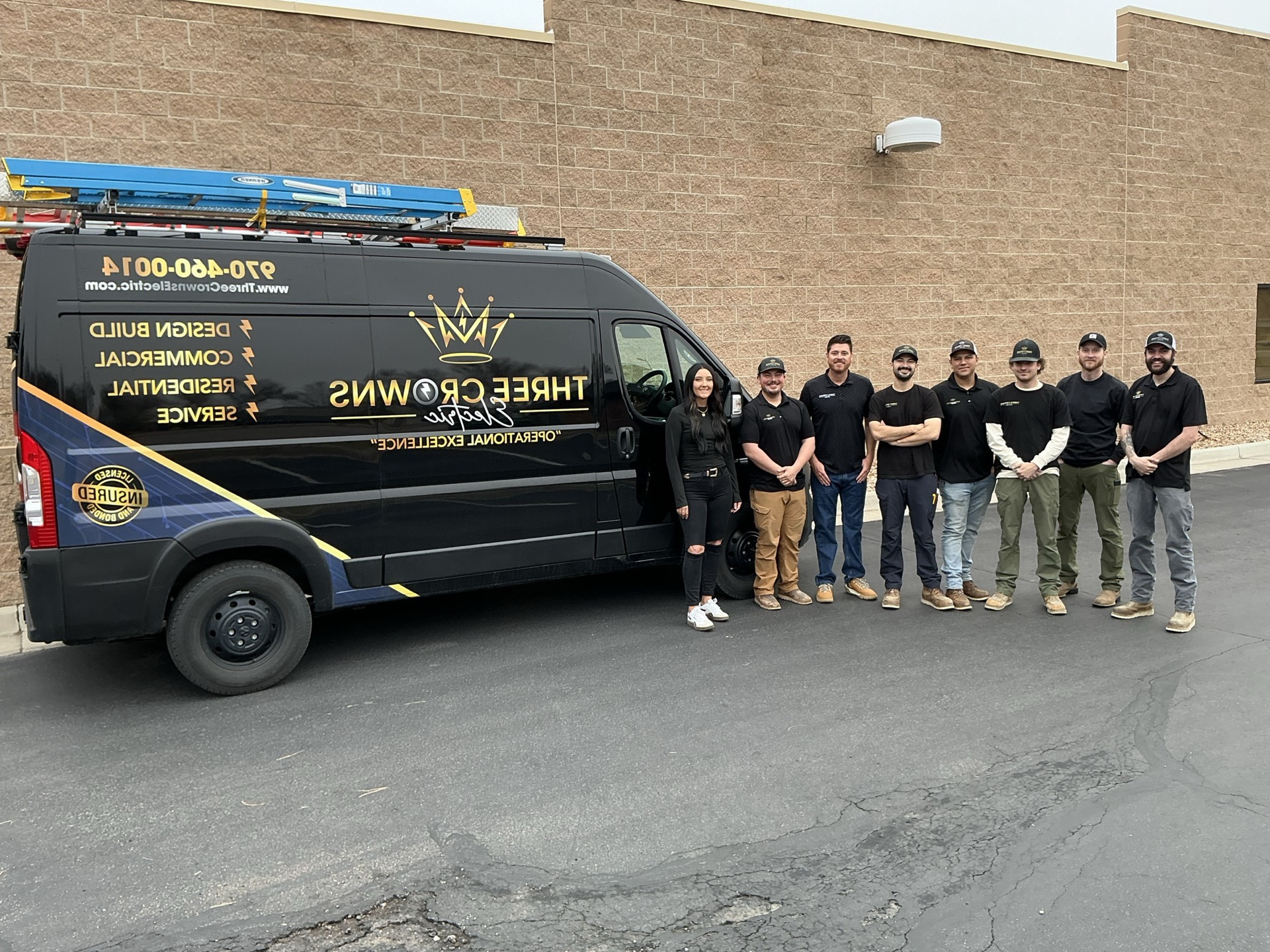







A Tesla Powerwall 3 installation in Northern Colorado runs $12,000–$18,000 for a single unit installed — gateway, backup circuits, permit, inspection, and Tesla app commissioning included. A single Powerwall provides about 3 days of whole-home backup before depletion. Three Crowns Electric is a certified Tesla Powerwall installer for Northern Colorado. We install both Powerwalls and Generac generators — the right choice depends on whether you’re planning for a 2-day outage (Powerwall wins) or a week-long winter storm (generator wins).
A Tesla Powerwall 3 keeps your home running when the grid doesn’t, and if you have solar, it stores daytime production for night use. We’ve installed Powerwalls across Northern Colorado for homeowners who wanted clean, silent, no-engine-maintenance backup — and for Cybertruck owners who tried to back up their whole house through Powershare and found out the hard way that Powershare alone won’t do it.
“If you’re a fan of Tesla products, I would recommend that’s the way to go.”
— Jon Trujillo, Master Electrician
What follows is what a Powerwall actually costs in NoCo, how long it actually runs, when it makes more sense than a generator, and the Cybertruck Powershare story that drives most of our recent installs.
How much does Tesla Powerwall 3 installation cost in Northern Colorado?
A single Powerwall 3 installed runs $12,000 to $18,000 in Northern Colorado. That covers the Powerwall hardware, the Tesla Gateway (the brain that handles grid disconnect/reconnect), the backup circuits panel, the permit, the inspection, and the Tesla app commissioning. The 30% Federal Investment Tax Credit applies to Powerwall installs — so the net out-of-pocket on a $15,000 install is closer to $10,500 after the credit.
| Scenario | Approx. cost (gross) | After 30% federal tax credit |
|---|---|---|
| Single Powerwall 3 (essentials backup) | $12,000–$15,000 | $8,400–$10,500 |
| Single Powerwall 3 (whole-home backup) | $14,000–$18,000 | $9,800–$12,600 |
| Two Powerwall 3 units (extended runtime) | $22,000–$28,000 | $15,400–$19,600 |
| Powerwall + EV charger combined install | $14,000–$20,000 | $9,800–$14,000 |
Stacking a second Powerwall costs the hardware (about $10K–$13K) plus a modest labor add for the additional commissioning. Most homeowners start with a single unit and add a second later if their actual outage usage tells them they need more capacity.
How long will a Tesla Powerwall 3 actually run my house?
About 3 days on a single Powerwall under typical home loads. Jon’s exact framing:
“I would say, I would personally go with a natural gas generator due to if you’re without power for a week, two weeks, well, that generator is going to stay running the full time. If you use battery power, then it’s like, hey, you might have three days of backup power. Once the batteries are dead, you’re done.”
— Jon Trujillo, Master Electrician
The 3-day runtime assumes a standard configuration: fridge, freezer, well pump, furnace fan, kitchen outlets, bedroom lights, home office. Customers who back up their full HVAC (especially AC in summer) drain the battery faster — sometimes 1.5–2 days under heavy AC load. Customers running only essentials (fridge, lights, modem) stretch the runtime to 4–5 days.
If the Powerwall is paired with solar, the math changes entirely. Solar production refills the battery during the day, which extends backup runtime indefinitely as long as the sun keeps coming up. For homes with solar already installed, a Powerwall is essentially permanent backup capacity. For homes without solar, the 3-day number is what you get before the grid has to come back.
For longer outages — multi-day winter storms in Estes Park, week-long rural outages in Wellington — a Powerwall alone isn’t the right answer. That’s a generator job, or a generator + Powerwall stack.
Tesla Powerwall vs natural gas generator: which is right for my home?
Both products solve the same problem differently. Jon installs both and steers customers based on their specific outage scenario:
| Situation | Recommendation | Why |
|---|---|---|
| Power out 1–2 days, no engine maintenance | Powerwall | Silent, automatic, no upkeep |
| Power out a week or more (winter storms) | Generator | Unlimited runtime on natural gas |
| Whole-house indefinite backup | Generator | Battery depletes in ~3 days |
| Already on solar, want night coverage | Powerwall | Stores daytime production |
| Want both (silent default + storm backstop) | Both | Powerwall handles short outages; generator is the long-runtime backstop |
| Customer hates engines + maintenance | Powerwall | Zero moving parts |
| Variable-rate utility plan, want to time-arbitrage | Powerwall | Charge cheap, discharge expensive |
| Rural property, no natural gas line | Powerwall (or propane generator) | Both work; Powerwall is silent |
Jon on the maintenance side:
“Yes. Yep. If they’re just thinking a couple days that they’ll be dealing without power. And they don’t want to mess with any kind of engine — because with the Generac engine, you got to maintain that engine. So it’s just like a vehicle. You got to go in and service the engine, which would be an oil change, spark plug replacement, air filter replacement. We do that on a yearly basis with our gas engines.”
— Jon Trujillo, Master Electrician
A Generac generator needs annual service. A Powerwall needs nothing — no oil change, no fluid checks, no annual visit. For homeowners who want backup power but don’t want another piece of equipment to maintain, the Powerwall is the cleaner answer.
For full details on the generator side, see our home generators page.
Can I back up my whole house with my Tesla or Cybertruck (Powershare)?
Not on its own. This is the misconception we correct on probably every other Tesla-related call we take.
Tesla’s Powershare lets your Cybertruck (or compatible Tesla vehicle) feed power back into your home during an outage. The hardware to enable it: a Tesla Wall Connector (the EV charger) plus a Tesla Gateway (the bidirectional flow enabler — a separate piece of equipment). Together they let your truck back-feed the house through the same circuit it normally charges from.
The catch:
“We recently just had a customer who wanted to use his — he’s got a Cyber truck and he wanted to back up power through his Cyber truck. And just he, in his mind he thought he could back the whole entire house up. Well, your charger, same thing, it’s only rated for 48amps. So you’re going to be able to run 48amps back from your Tesla truck back to your house. So 48amps isn’t getting you a whole lot of backup power other than running your lights, couple refrigerators, and then you’re going to be meeting that 48amps need.”
— Jon Trujillo, Master Electrician
The Tesla Wall Connector is rated for 48 amps. That’s the ceiling for Powershare output. 48A is enough to run lights, a couple of refrigerators, and a few small loads — but it’s not enough to run an HVAC system, an electric range, or the full panel of a typical house. For whole-home backup, you need actual battery capacity beyond what the truck can push:
“So what we ended up doing was installing a couple Powerwalls on his home as well. So then he could get, he could actually back up the entire house with power. With the Powerwalls installed.”
— Jon Trujillo, Master Electrician
The Cybertruck stays in the conversation as a charge-and-extend device — it can recharge the Powerwalls during an extended outage, which extends total runtime — but the Powerwalls do the actual whole-house backup work. For the EV charger side of this conversation, see our EV charger installation page.
What does a Tesla Powerwall installation include?
The full scope of every install:
- Site visit + load calculation — sizes the system to your actual loads and outage goals
- Backup circuit design — we walk the house with you to identify which circuits go on the backup side (essentials only, or whole-home depending on Powerwall count)
- Permit pulled with your local building department
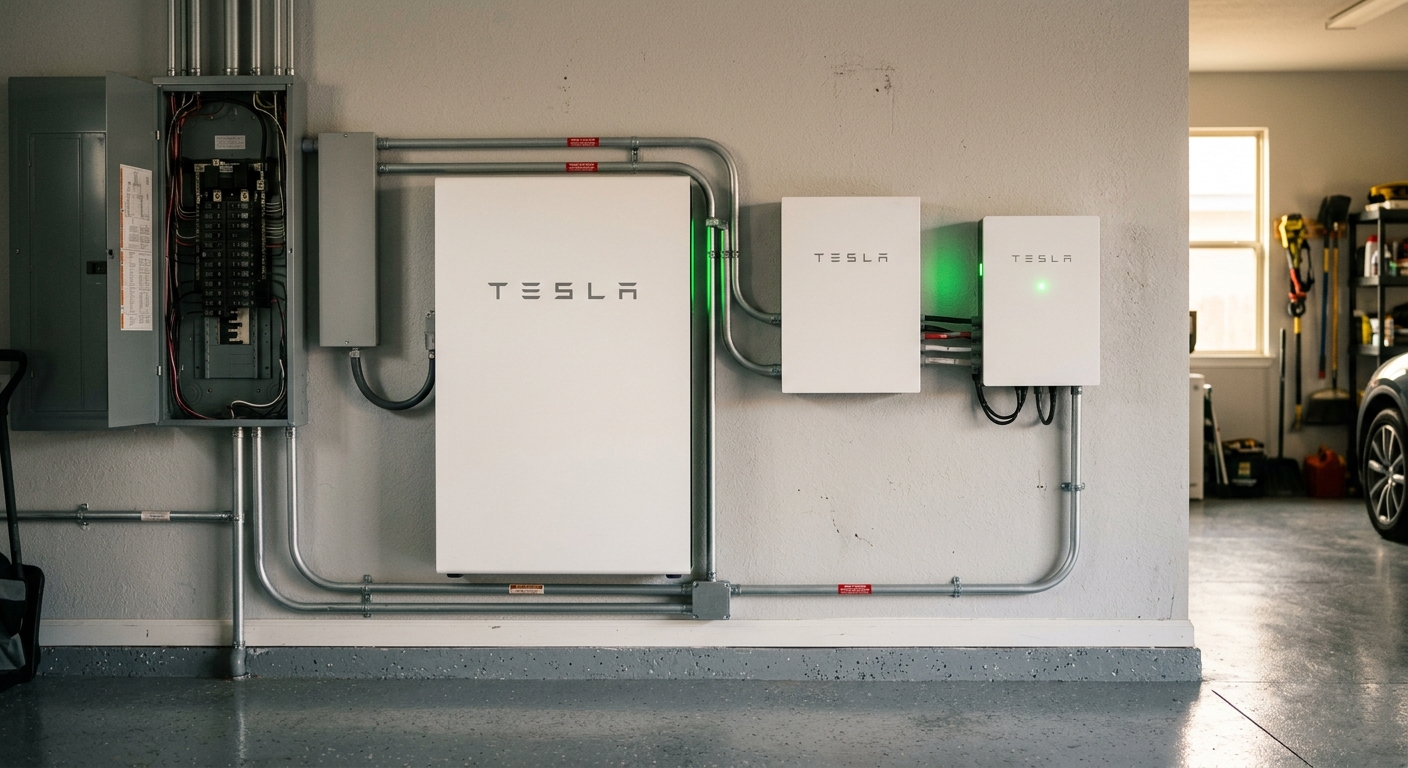
- Tesla Gateway installation — the brain that handles grid sense, transfer, and reconnect
- Powerwall mount — typically exterior, adjacent to your electrical meter
- Backup loads panel — the sub-panel that gets fed by the Gateway during outages
- Solar integration (if applicable) — re-route or upgrade existing solar tie-in
- Final inspection with the local jurisdiction
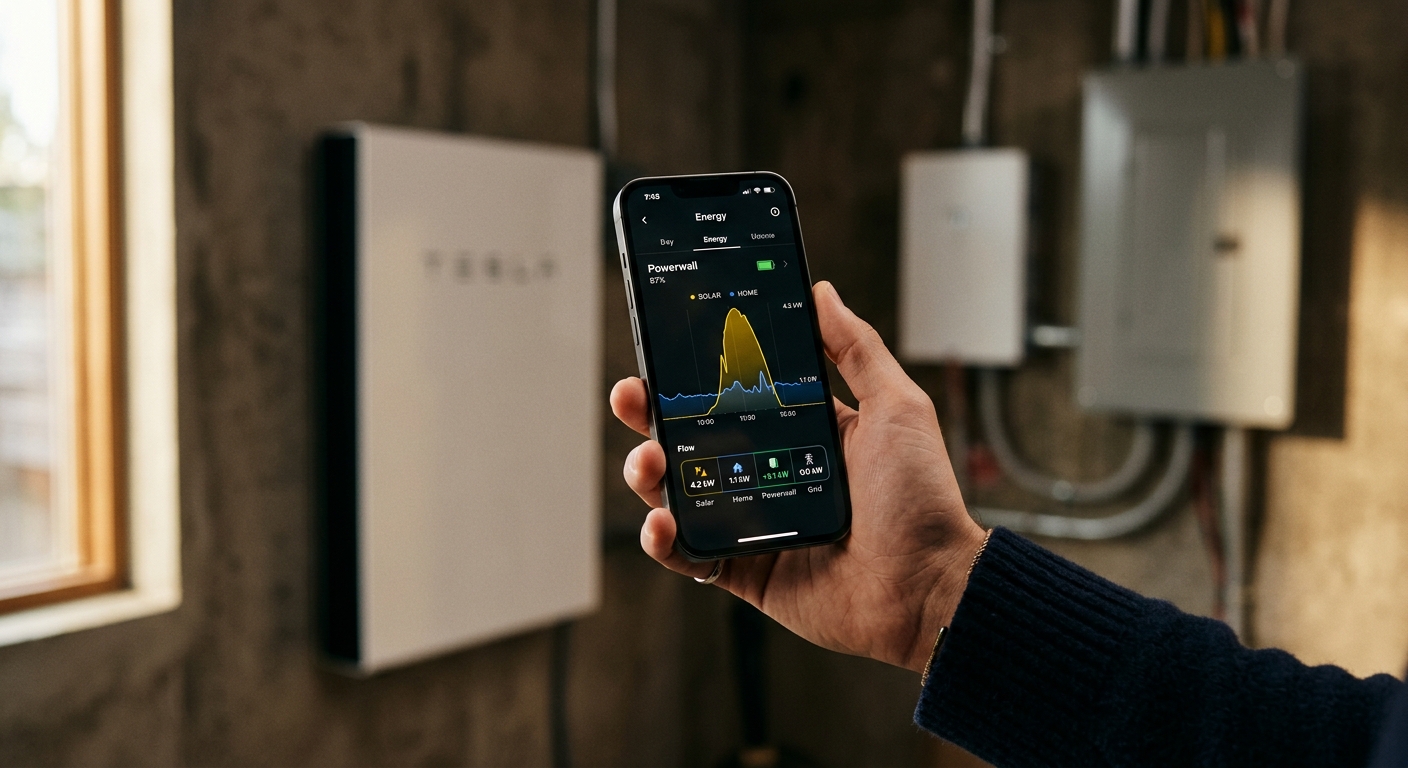
- Tesla app commissioning — set up your phone to monitor and control the system
- Walk-through — we show you the app, explain the modes, run a simulated outage
Most single-Powerwall installs are a 2-day job on site. Day one is the mount, conduit, and Gateway wiring. Day two is commissioning, app setup, final inspection, and your walk-through. We leave you with a tested system and the Tesla app working before we pack up.
Where do you mount the Powerwall — inside the garage or outside?
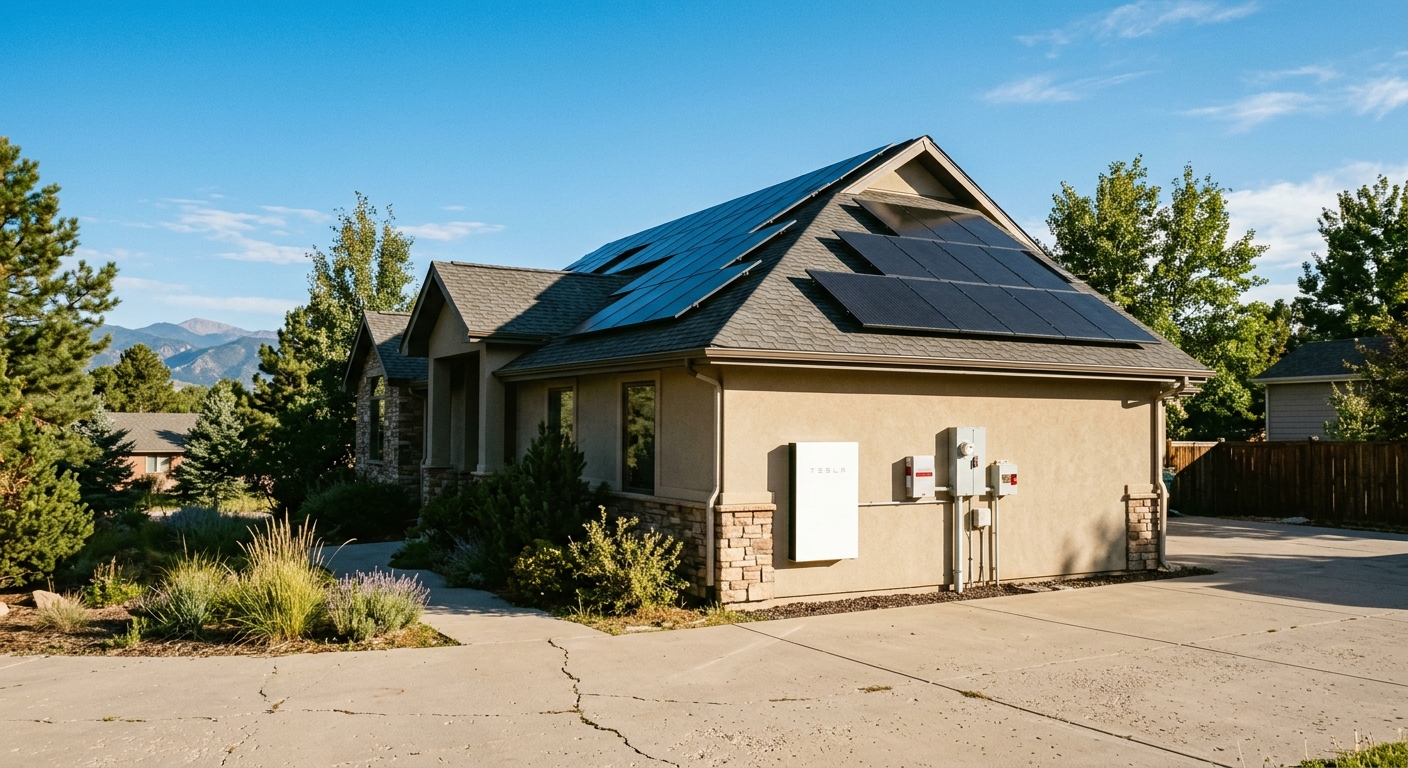
Exterior, adjacent to your electrical meter, is our default:
“You can do both. We prefer just to put them right on the exterior of the home, but you can mount them in the garage if need be if you have the wall space in the garage. But for the most part we like to install them just right on the exterior of the home by the electrical meter.”
— Jon Trujillo, Master Electrician
Two practical reasons:
- Future service is easier — everything’s in one place outside, no garage shuffle to access the unit
- Doesn’t consume garage wall space — most NoCo garages are already packed with workbenches, tools, and shelving:
“It’s right there. Plus it’s not taking up wall space. A lot of people are already kind of under spaced with their garages.”
— Jon Trujillo, Master Electrician
Powerwall 3 is rated for outdoor installation in the NoCo climate range. It handles cold (the unit has internal thermal management) and shade is fine. The only hard rule for outdoor mounting is access for the installer and service tech — typically 3 feet of clearance front and side.
If you have genuinely clear interior wall space and prefer the unit indoors, we can mount in the garage. Less common in our installs, but available.
Are you actually a certified Tesla Powerwall installer?
Yes. Three Crowns Electric is a certified Tesla Powerwall installer for Northern Colorado. The certification matters for three reasons:
- Tesla equipment warranty stays intact — a certified install is required to maintain Tesla’s full hardware warranty
- Interconnection paperwork moves faster — Xcel and other utilities recognize certified installers and process the application in days instead of weeks
- Commissioning support from Tesla — we have direct access to Tesla’s installer support line for any commissioning issue, which gets resolved same-day instead of waiting on a public support queue
The certification covers the full Powerwall product line — Powerwall 2, Powerwall+, and Powerwall 3 — though we install almost exclusively the Powerwall 3 now since it has the integrated solar inverter and the highest power output of the line.
Can I install a Tesla Powerwall myself?
No. Tesla requires the Powerwall to be installed by a certified installer to maintain the warranty and to qualify for the federal tax credit. The DIY angle:
- The Powerwall has integrated grid-tie equipment that requires certified commissioning
- The Tesla Gateway has to be programmed for your specific utility’s interconnection requirements
- The unit weighs roughly 280 lbs and requires specific mounting hardware
- Code requires a licensed electrician for any work involving the service entrance
- The 30% federal tax credit requires a permitted, inspected install — DIY installs typically don’t qualify
We’ve had homeowners ask about doing the mount themselves and having us commission. Tesla’s policy doesn’t allow that — the install is one job, certified installer start to finish. It’s the cleaner answer anyway: one team, one warranty, one phone number if anything goes wrong.
Last reviewed by a Master Electrician: April 29, 2026.
Have a question about Tesla Powerwall installation? Call (970) 460-0014 for a free estimate. We’ll come look at your panel, walk through your backup goals, design the system around your actual loads, and put a written quote on paper — federal tax credit estimate included.